

- Posts: 5
- Thank you received: 0
Questions on getting Xerte Toolkits installed on your server and questions about authentication and user logins.
Web Browser installer access
- frances.madden
-
 Topic Author
- Offline
- New Member
-

Less
More
10 years 4 months ago #3657
by frances.madden
Replied by frances.madden on topic Web Browser installer access
The link you provided above, HTTP://localhost/ toolkits/ setup/index.php. I get an error message that the page cannot be found.
Thanks
Frances
Thanks
Frances
Please Log in or Create an account to join the conversation.
- tom
-

- Offline
- Administrator
-

Less
More
- Posts: 1365
- Thank you received: 344
10 years 4 months ago #3660
by tom
Replied by tom on topic Web Browser installer access
Two things:
1. Just to be sure: you need to get the spaces out of the url.
2. If that doesn't work, in what folder did you unzip the xerte installation package on your PC
1. Just to be sure: you need to get the spaces out of the url.
2. If that doesn't work, in what folder did you unzip the xerte installation package on your PC
Please Log in or Create an account to join the conversation.
- frances.madden
-
Topic Author
- Offline
- New Member
-
Less
More
- Posts: 5
- Thank you received: 0
10 years 4 months ago #3662
by frances.madden
Replied by frances.madden on topic Web Browser installer access
I have removed the spaces when I log in.
I unzipped the installation package to: C:\xampp\htdocs\xertetoolkits.
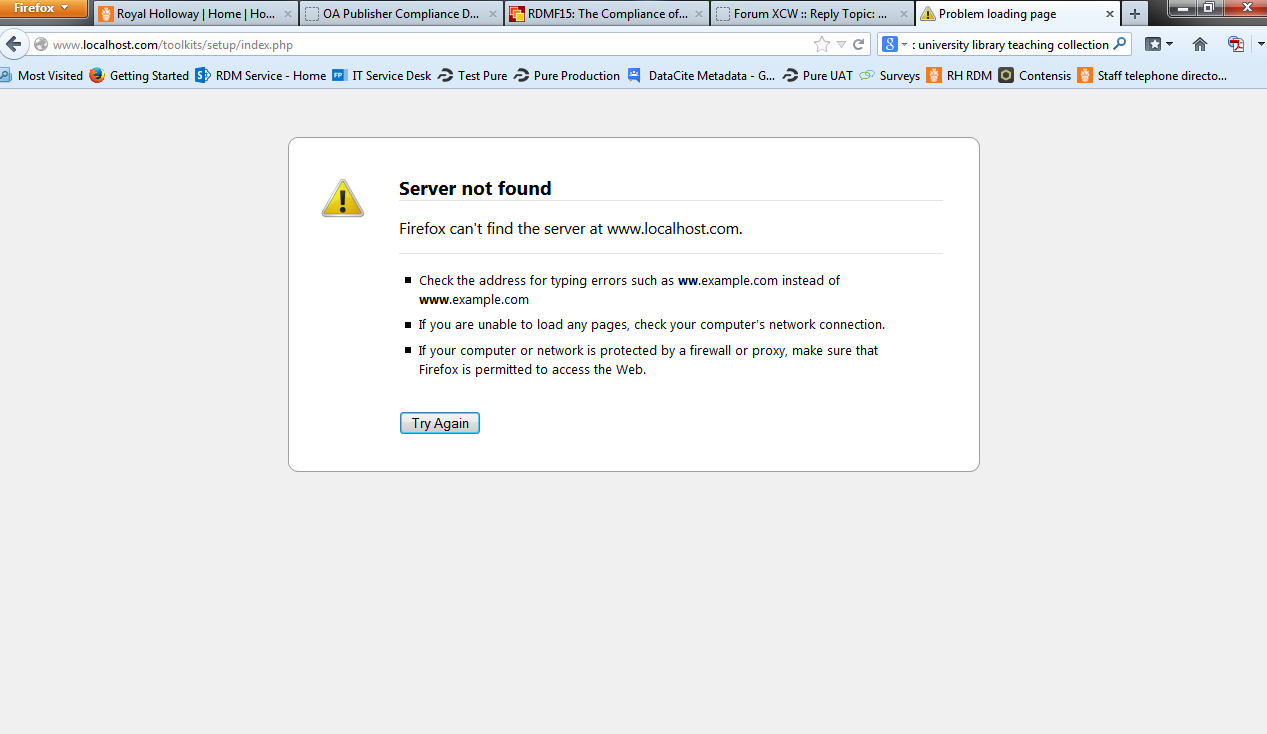
I'm still getting the error message. I've attached an screenshot of the error message I get.
I unzipped the installation package to: C:\xampp\htdocs\xertetoolkits.
I'm still getting the error message. I've attached an screenshot of the error message I get.
Please Log in or Create an account to join the conversation.
- tom
-
- Offline
- Administrator
-
Less
More
- Posts: 1365
- Thank you received: 344
10 years 4 months ago #3665
by tom
Replied by tom on topic Web Browser installer access
If you unzipped in the folder xertetoolkits, you should use:
Code:
http://localhost/xertetoolkits/setup/index.php
Please Log in or Create an account to join the conversation.
Time to create page: 0.133 seconds