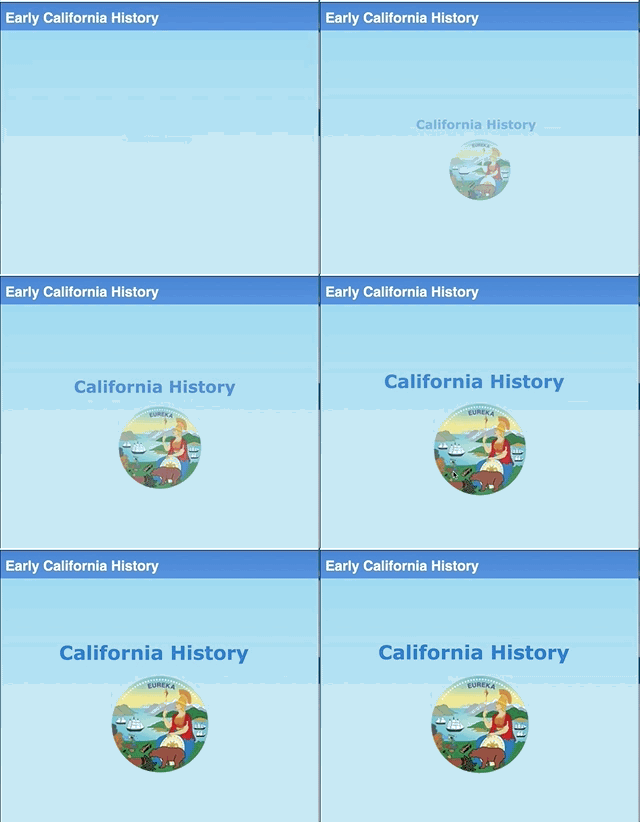
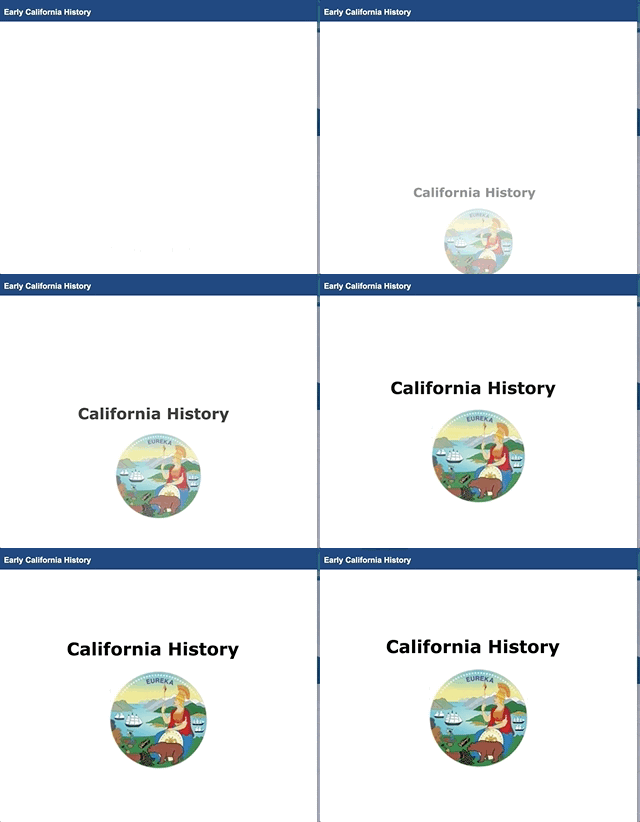
A subtle animation could be used in Title Pages to visually attract learners' attention.
It looks like Xerte doesn't provide any animation features, so I thought about sharing the CSS and JS code I used to create a subtle fading animation effect (see attached images). Having the Title Page selected, I added a "Styles" block, from the "Optional Properties" column, and entered the following code:
@keyframes fadeIn {
0% {opacity: 0; transform: scale(.3); }
100% {opacity: 1; transform: scale(1); }
}
.fadeIn {
animation: fadeIn 5s;
-webkit-animation: fadeIn 5s;
}
Then, added a "Script" block and pasted the following line:
$("#pageContents").addClass("fadeIn");
This code should work in any Title Page of XOT projects.
More elaborated animations could also be created, for instance, to display a pedagogical agent or avatar entering from the left.