

- Berichten: 1
- Ontvangen bedankjes 0
Questions on getting Xerte Toolkits installed on your server and questions about authentication and user logins.
Installation on macOS 11.4 issues
- howard_jones
-
 Onderwerp Auteur
- Offline
- Nieuw lid
-

Minder
Meer
5 jaren 4 dagen geleden #7661
door howard_jones
Installation on macOS 11.4 issues werd gestart door howard_jones
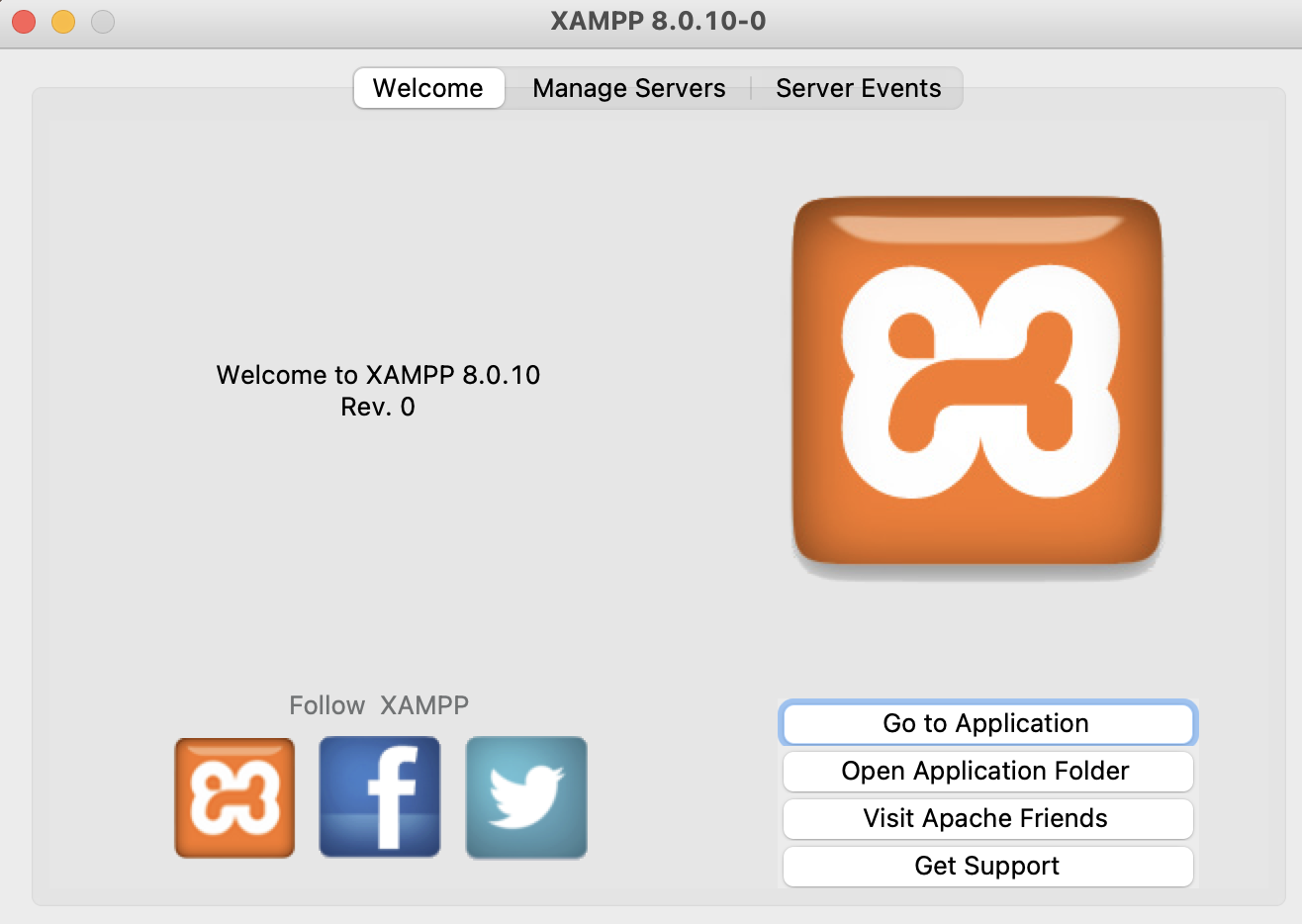
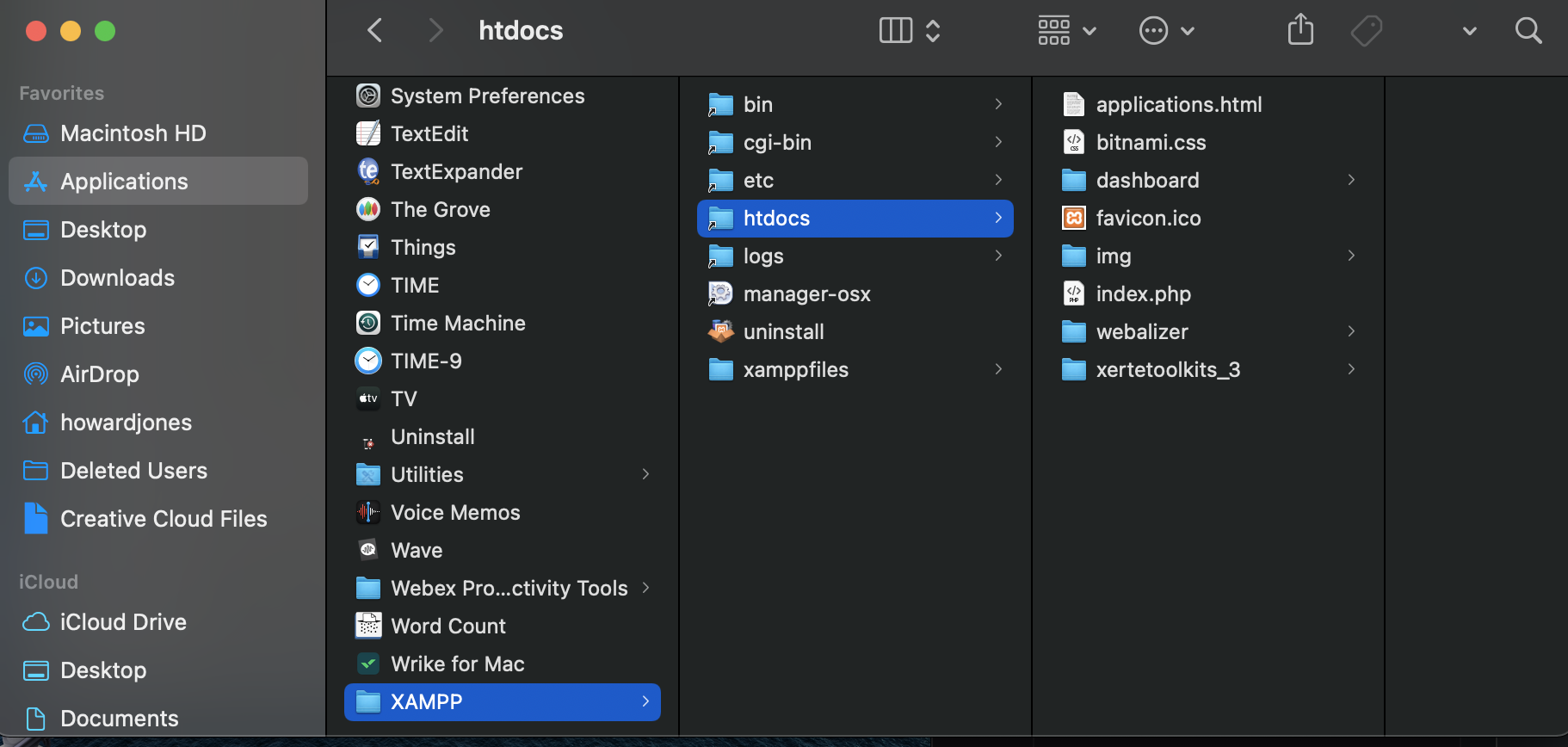
I've attempted to install XAMPP and Xerte. I have xerte in the htdocs folder. XAMPP is in the applications folder. I am unable to move forward. XAMPP opens but i am unable to find Xerte or open it or anything. Screenshots attached, please advise.
XAMPP v. 8.0.10
XAMPP v. 8.0.10
Graag Inloggen of een account aanmaken deelnemen aan het gesprek.
- ronm
-

- Offline
- Administrator
-

5 jaren 3 dagen geleden #7662
door ronm
Xerte developer & trainer
e-learning & m-learning consultant
mitchellmedia.co.uk | xerteacademy.com | learningapps.co.uk
Note: Support here is voluntary and meant for users to support each other.
Need direct commercial support with Xerte? mitchellmedia.co.uk/contact/
Beantwoord door ronm in topic Installation on macOS 11.4 issues
Hi
we're not the developers of XAMPP and you need to get that working first before trying to use Xerte or seeking help with getting Xerte working.
There should be guidance on the XAMPP website or else a web search will provide various guidance including videos like this one www.youtube.com/watch?v=L2X6fDiqOC4 which should help you verify that XAMPP is working and that you can view it via your web browser.
I should add that's just a video that a quick search revealed and not a video that I or anyone else here created.
Once you have verified XAMPP is working you should be able to follow the steps in our Xerte installation guide which is inside the documentation folder of the download.
HTH
Ron
we're not the developers of XAMPP and you need to get that working first before trying to use Xerte or seeking help with getting Xerte working.
There should be guidance on the XAMPP website or else a web search will provide various guidance including videos like this one www.youtube.com/watch?v=L2X6fDiqOC4 which should help you verify that XAMPP is working and that you can view it via your web browser.
I should add that's just a video that a quick search revealed and not a video that I or anyone else here created.
Once you have verified XAMPP is working you should be able to follow the steps in our Xerte installation guide which is inside the documentation folder of the download.
HTH
Ron
Xerte developer & trainer
e-learning & m-learning consultant
mitchellmedia.co.uk | xerteacademy.com | learningapps.co.uk
Note: Support here is voluntary and meant for users to support each other.
Need direct commercial support with Xerte? mitchellmedia.co.uk/contact/
Graag Inloggen of een account aanmaken deelnemen aan het gesprek.
- tom
-

- Offline
- Administrator
-
Minder
Meer
- Berichten: 1365
- Ontvangen bedankjes 344
5 jaren 3 dagen geleden #7663
door tom
Beantwoord door tom in topic Installation on macOS 11.4 issues
I agree with Ron. You should first make sure that XAMPP is working.
However, to help you a bit further:
Given the screenshots, you should be able to start Xerte by opening a browser an navigate to http://localhost/xertetoolkits_3
However, to help you a bit further:
Given the screenshots, you should be able to start Xerte by opening a browser an navigate to http://localhost/xertetoolkits_3
Graag Inloggen of een account aanmaken deelnemen aan het gesprek.
Tijd voor maken pagina: 0.158 seconden