

- Berichten: 23
- Ontvangen bedankjes 0
Report any technical problems you discover and discuss solutions.
Scroll bar when using Narration on Advanced Image page
- ingo.d
-
 Onderwerp Auteur
- Offline
- Junior lid
-

Minder
Meer
4 jaren 2 maanden geleden #8219
door ingo.d
Scroll bar when using Narration on Advanced Image page werd gestart door ingo.d
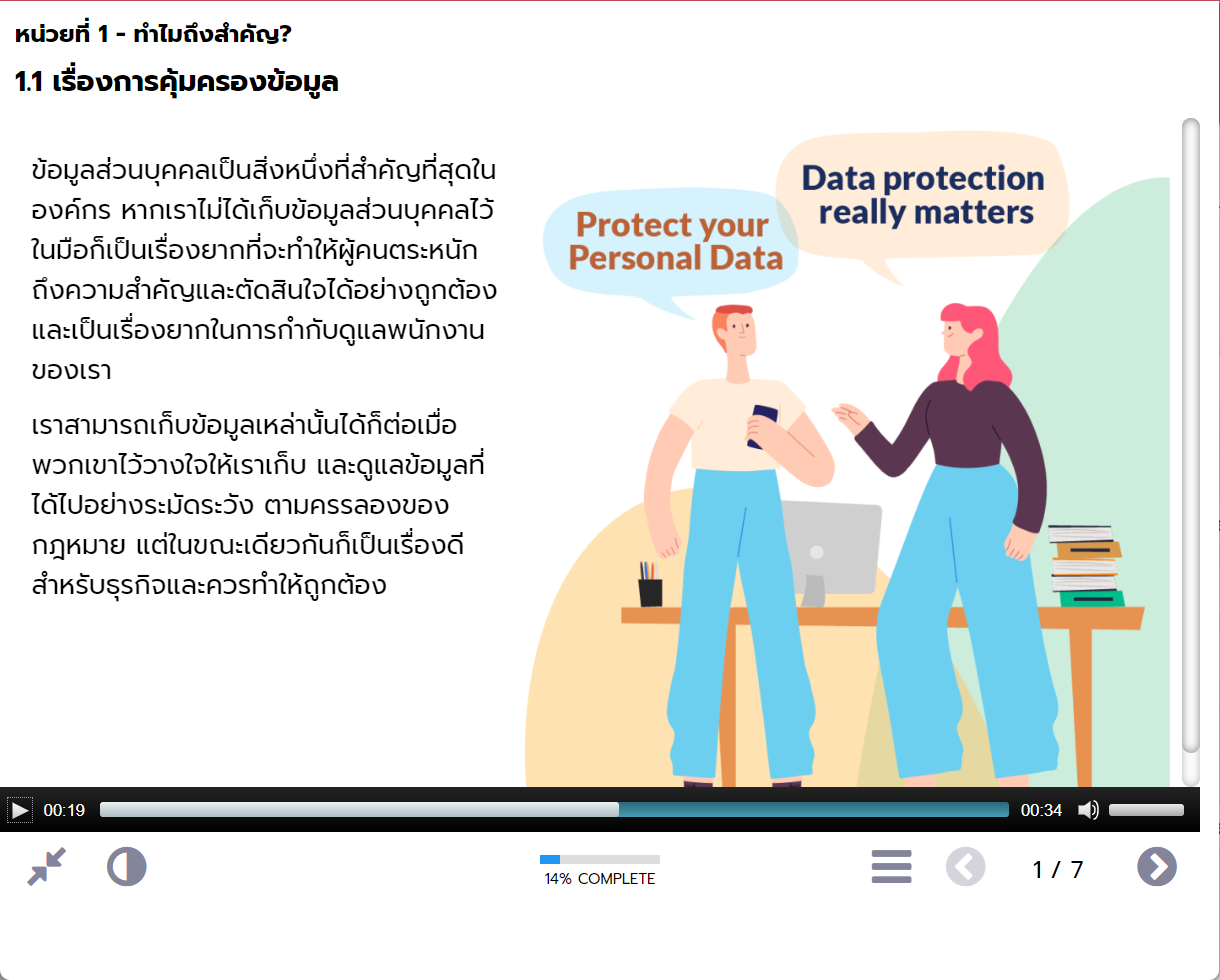
A scroll bar appears when using the Advanced Image page with an image set to Auto and adding a Narration element to it. It should recognize the added controls and scale accordingly, but it doesn't, and the scroll bar is unsightly and unnecessary if all the content fits on one page.
This issue makes adding Narration to this page type (and probably others as well) difficult, basically every image needs to be scaled manually to the correct dimensions.
This issue makes adding Narration to this page type (and probably others as well) difficult, basically every image needs to be scaled manually to the correct dimensions.
Graag Inloggen of een account aanmaken deelnemen aan het gesprek.
- ronm
-

- Offline
- Administrator
-

4 jaren 2 maanden geleden #8220
door ronm
Xerte developer & trainer
e-learning & m-learning consultant
mitchellmedia.co.uk | xerteacademy.com | learningapps.co.uk
Note: Support here is voluntary and meant for users to support each other.
Need direct commercial support with Xerte? mitchellmedia.co.uk/contact/
Beantwoord door ronm in topic Scroll bar when using Narration on Advanced Image page
Hi
try upgrading to Xerte 3.11 which is now 3.11.5.
The 3.11 release includes improvements to a number of page types including Advanced image. You will no longer see an Auto option and instead you will see small, medium, large, fixed and full screen. Vertical scrollbars should not occur even with narration in place.
HTH
Ron
try upgrading to Xerte 3.11 which is now 3.11.5.
The 3.11 release includes improvements to a number of page types including Advanced image. You will no longer see an Auto option and instead you will see small, medium, large, fixed and full screen. Vertical scrollbars should not occur even with narration in place.
HTH
Ron
Xerte developer & trainer
e-learning & m-learning consultant
mitchellmedia.co.uk | xerteacademy.com | learningapps.co.uk
Note: Support here is voluntary and meant for users to support each other.
Need direct commercial support with Xerte? mitchellmedia.co.uk/contact/
De volgende gebruiker (s) zei dank u: ingo.d
Graag Inloggen of een account aanmaken deelnemen aan het gesprek.
- ingo.d
-
Onderwerp Auteur
- Offline
- Junior lid
-
Minder
Meer
- Berichten: 23
- Ontvangen bedankjes 0
4 jaren 2 maanden geleden #8221
door ingo.d
Beantwoord door ingo.d in topic Scroll bar when using Narration on Advanced Image page
It works fine in the new version, thanks!
Graag Inloggen of een account aanmaken deelnemen aan het gesprek.
Moderators: ronm, julten, JohnSmith
Tijd voor maken pagina: 0.664 seconden