

- Berichten: 6
- Ontvangen bedankjes 0
Report any technical problems you discover and discuss solutions.
Text in Timeline Media Page
- ma2716
-
 Onderwerp Auteur
- Offline
- Nieuw lid
-

Minder
Meer
4 jaren 8 maanden geleden #7883
door ma2716
Text in Timeline Media Page werd gestart door ma2716
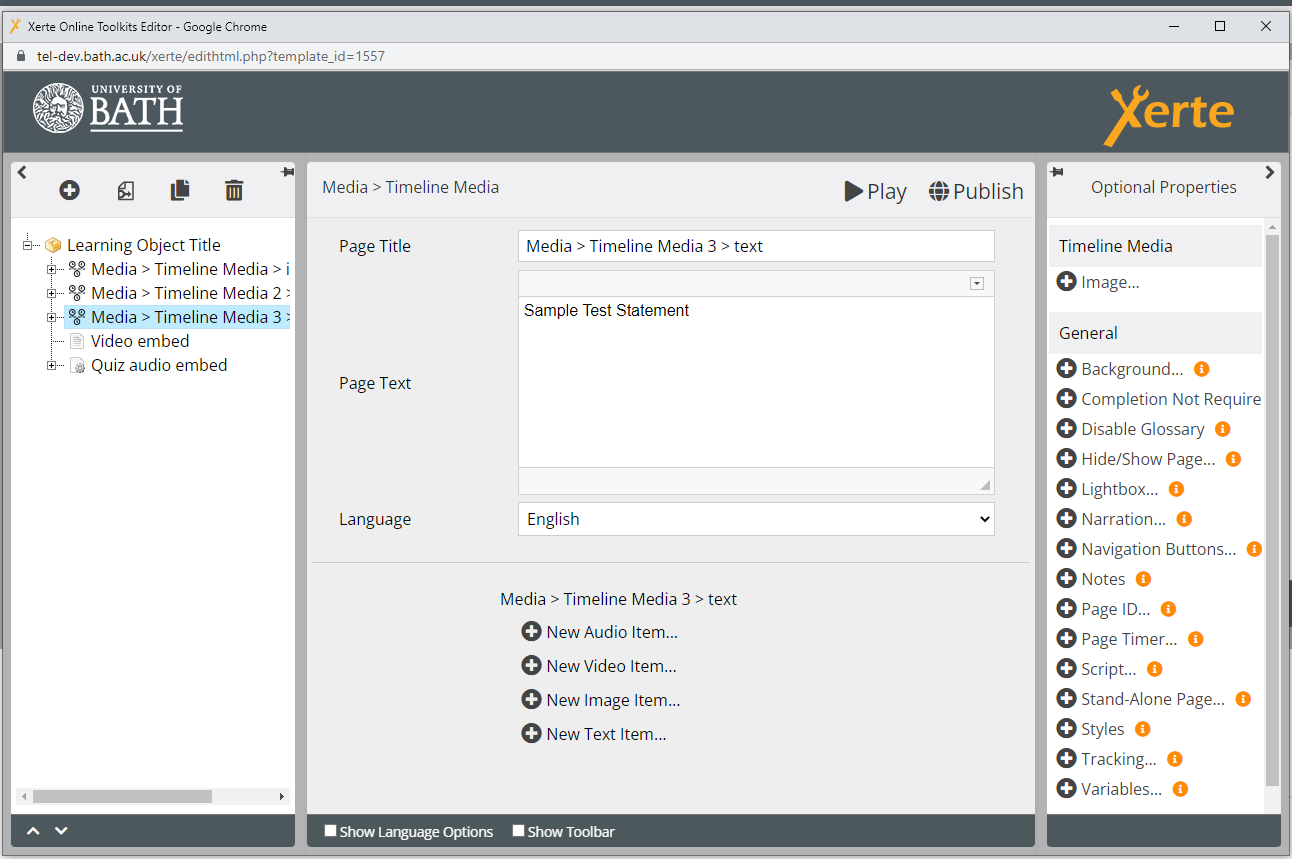
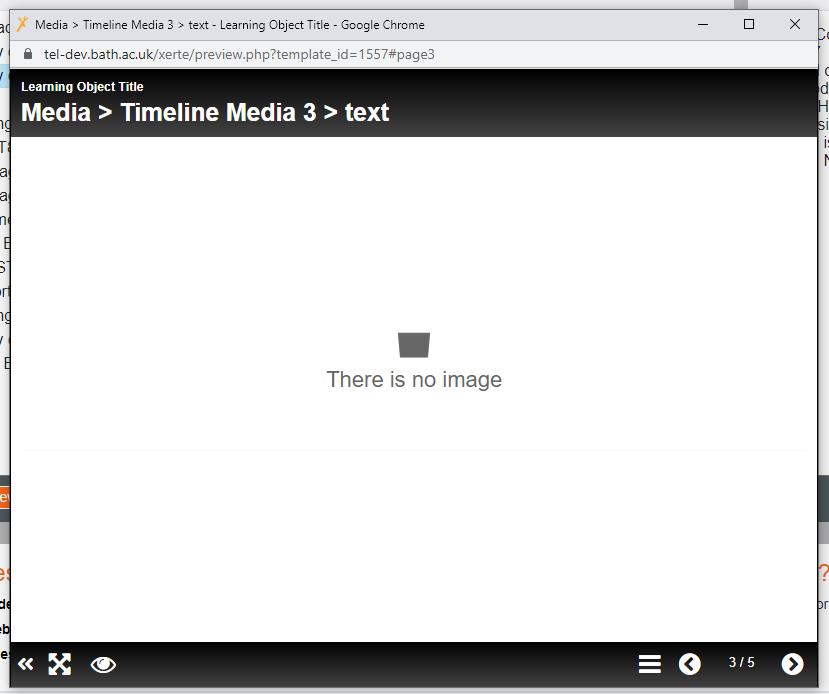
If I just add text only on the timeline page, it says no image found. Is it necessary to provide a media in the template? Can't I use it if I want text only?
Graag Inloggen of een account aanmaken deelnemen aan het gesprek.
- ronm
-

- Offline
- Administrator
-

4 jaren 8 maanden geleden #7884
door ronm
Xerte developer & trainer
e-learning & m-learning consultant
mitchellmedia.co.uk | xerteacademy.com | learningapps.co.uk
Note: Support here is voluntary and meant for users to support each other.
Need direct commercial support with Xerte? mitchellmedia.co.uk/contact/
Beantwoord door ronm in topic Text in Timeline Media Page
Hi
you should see that via the form fields there are 4 types of item you can add to this page type:
New Audio Item
New Video Item
New Image Item
New Text Item
If you want text only without any of the media items then just use the New Text Item option. e.g. if you use any of the others then the relevant media needs to be added too. Check that your item says Media > Timeline Media > Text Item rather than Media > Timeline Media > Image Item at the top of that item.
HTH
Ron
you should see that via the form fields there are 4 types of item you can add to this page type:
New Audio Item
New Video Item
New Image Item
New Text Item
If you want text only without any of the media items then just use the New Text Item option. e.g. if you use any of the others then the relevant media needs to be added too. Check that your item says Media > Timeline Media > Text Item rather than Media > Timeline Media > Image Item at the top of that item.
HTH
Ron
Xerte developer & trainer
e-learning & m-learning consultant
mitchellmedia.co.uk | xerteacademy.com | learningapps.co.uk
Note: Support here is voluntary and meant for users to support each other.
Need direct commercial support with Xerte? mitchellmedia.co.uk/contact/
Graag Inloggen of een account aanmaken deelnemen aan het gesprek.
- ma2716
-
Onderwerp Auteur
- Offline
- Nieuw lid
-
Minder
Meer
- Berichten: 6
- Ontvangen bedankjes 0
4 jaren 8 maanden geleden #7885
door ma2716
Beantwoord door ma2716 in topic Text in Timeline Media Page
I have done the same. I'm trying to use New Text Item, as shown in the attachment. But in the result it says No media found.
Graag Inloggen of een account aanmaken deelnemen aan het gesprek.
- ronm
-
- Offline
- Administrator
-
4 jaren 8 maanden geleden #7886
door ronm
Xerte developer & trainer
e-learning & m-learning consultant
mitchellmedia.co.uk | xerteacademy.com | learningapps.co.uk
Note: Support here is voluntary and meant for users to support each other.
Need direct commercial support with Xerte? mitchellmedia.co.uk/contact/
Beantwoord door ronm in topic Text in Timeline Media Page
Sorry your screenshots show the parent items not the sub - items.
Can you attach again with each of the parents expanded e.g. click the +
and take a Screenshot of the first sub item which should show Media > Timeline Media > Enter Item Title at the top or whatever you've named it if you've changed the default title Enter Item Title. There should be no media field for that item.
Also what version are you using? Hover over the i icon bottom left of the workspace.
HTH
Ron
Can you attach again with each of the parents expanded e.g. click the +
and take a Screenshot of the first sub item which should show Media > Timeline Media > Enter Item Title at the top or whatever you've named it if you've changed the default title Enter Item Title. There should be no media field for that item.
Also what version are you using? Hover over the i icon bottom left of the workspace.
HTH
Ron
Xerte developer & trainer
e-learning & m-learning consultant
mitchellmedia.co.uk | xerteacademy.com | learningapps.co.uk
Note: Support here is voluntary and meant for users to support each other.
Need direct commercial support with Xerte? mitchellmedia.co.uk/contact/
Graag Inloggen of een account aanmaken deelnemen aan het gesprek.
- ma2716
-
Onderwerp Auteur
- Offline
- Nieuw lid
-
Minder
Meer
- Berichten: 6
- Ontvangen bedankjes 0
4 jaren 8 maanden geleden #7889
door ma2716
Beantwoord door ma2716 in topic Text in Timeline Media Page
Hi Ron,
I've attached the text snapshot too now.
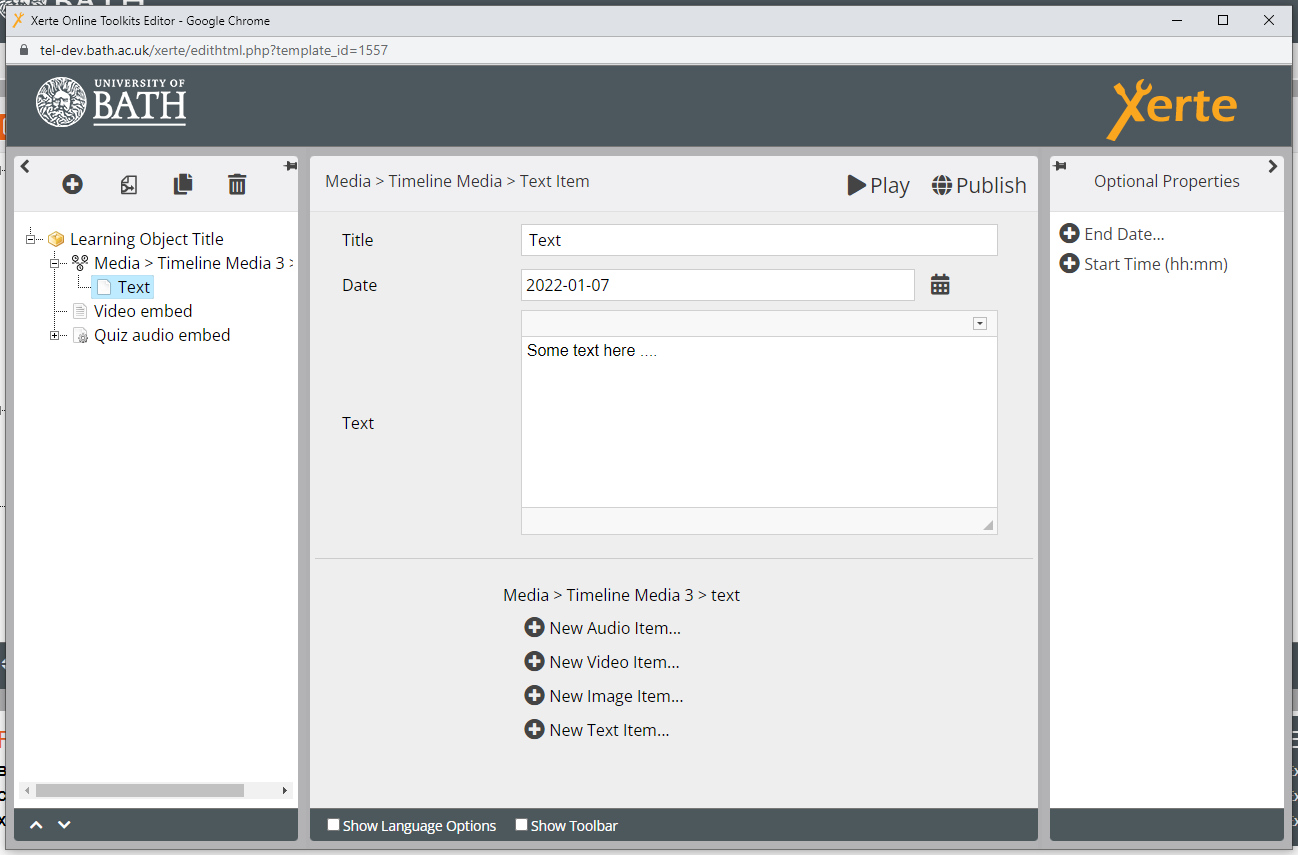
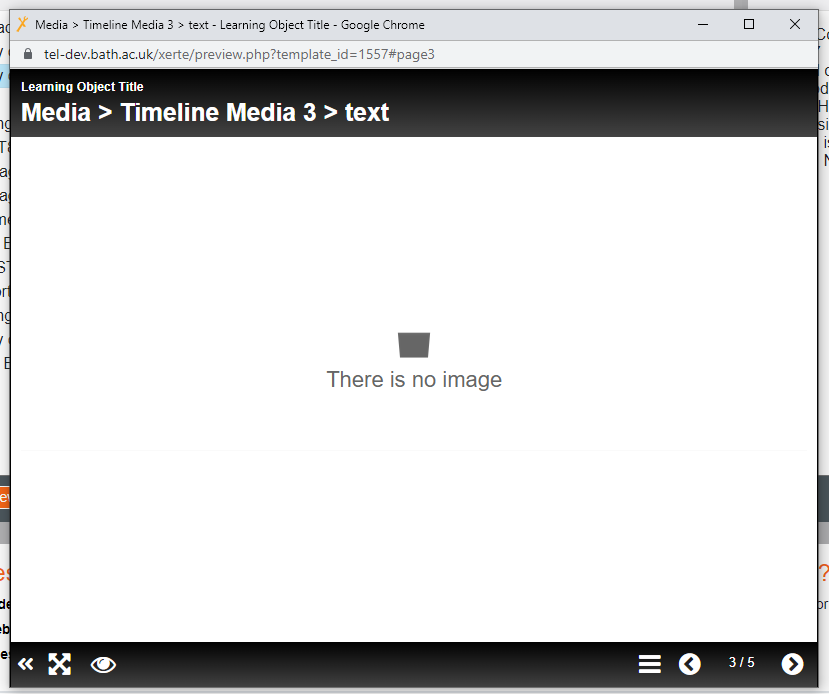
I've attached the text snapshot too now.
Graag Inloggen of een account aanmaken deelnemen aan het gesprek.
- ma2716
-
Onderwerp Auteur
- Offline
- Nieuw lid
-
Minder
Meer
- Berichten: 6
- Ontvangen bedankjes 0
4 jaren 8 maanden geleden #7890
door ma2716
Beantwoord door ma2716 in topic Text in Timeline Media Page
I'm using version 3.10
Graag Inloggen of een account aanmaken deelnemen aan het gesprek.
Moderators: ronm, julten, JohnSmith
Tijd voor maken pagina: 0.470 seconden