

Approved Manuals & How to guides created by the Xerte community
Manuals
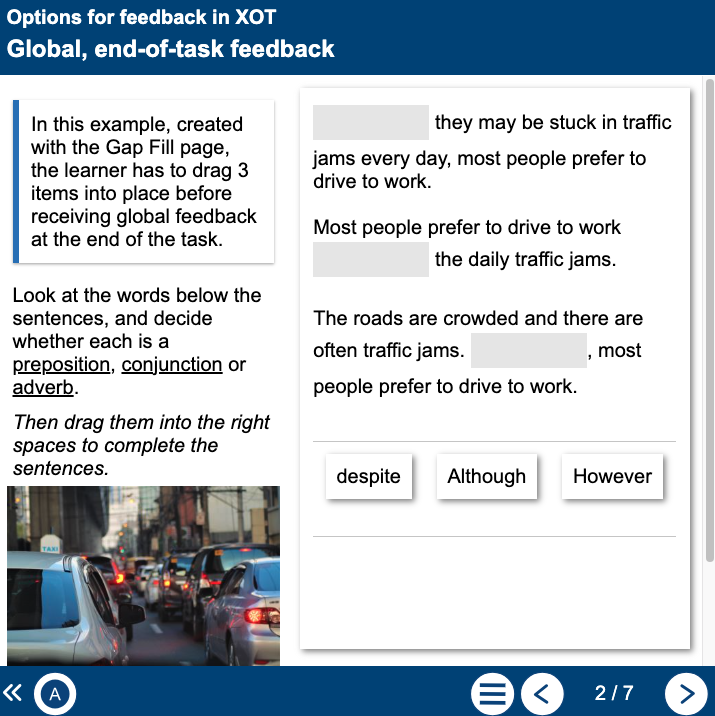
Xerte feedback
XOTDescription
XOT allows for feedback to be presented at a number of different stages of a task delivered on an Interactivity page. This learning object provides examples of these types of feedback.
Topic
Xerte feedback options
Level
Tertiary
Page Types
Quiz, Drag & Drop, Interactive Text, Fill in blanks
Author
Jonathan Smith
Original Language
 English
Xerte objects are browser based and all major browsers offer the option to translate the language on the page. Use the right-click menu (Chrome, Firefox) or menu bar settings (Edge, Safari) to find the translate option.
Example & Download
 View project (opens in a new window)
 Download not available